Skip to content

Window Cleaning Software Features: What the Best Apps Include

by Cleri on

If you've ever felt like your crew's working hard but always running behind, this is for you. This isn't about fancy features or fluff. It's about what actually works when your team's out cleaning glass, fast.

What you'll get in this guide:

  • The must-have features every window cleaning app needs, ranked by impact
  • Which features are standard in free tools and which need a paid plan
  • Proof these features pay off, with sourced numbers
  • A 5-day test drive plan
  • Real crew questions, answered simply

The problem: most mornings start in chaos


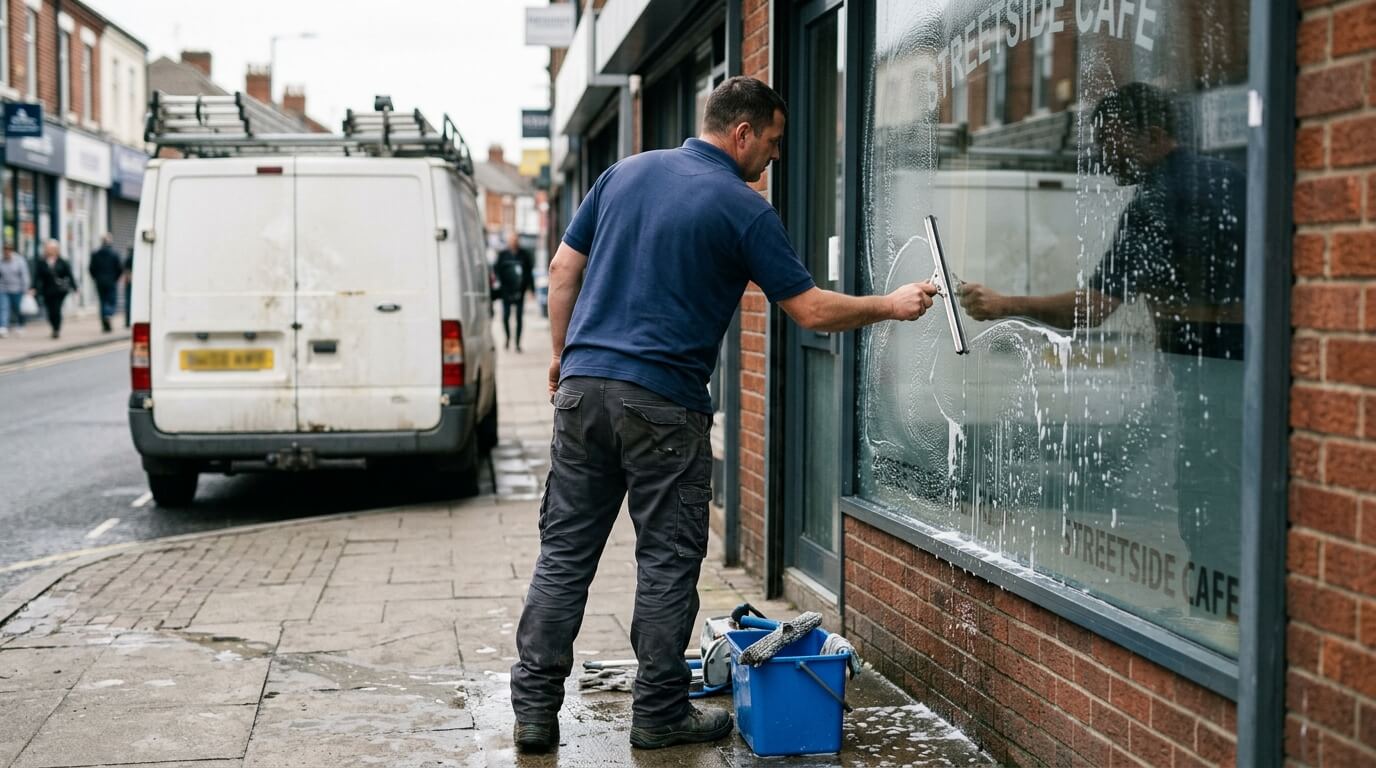
By the time your boots hit the ground, someone's already texted the wrong address. The ladder straps are missing. And a client just called asking where you are. You haven't even had coffee yet.

Sound familiar? That's the kind of mess the right window cleaning business software is built to fix. Not someday, but today.

Window cleaning pros aren't switching to software for the fancy. They're switching for the features that fix real, everyday problems.

What a window cleaning app actually does

A good window cleaning app puts everything in one place:

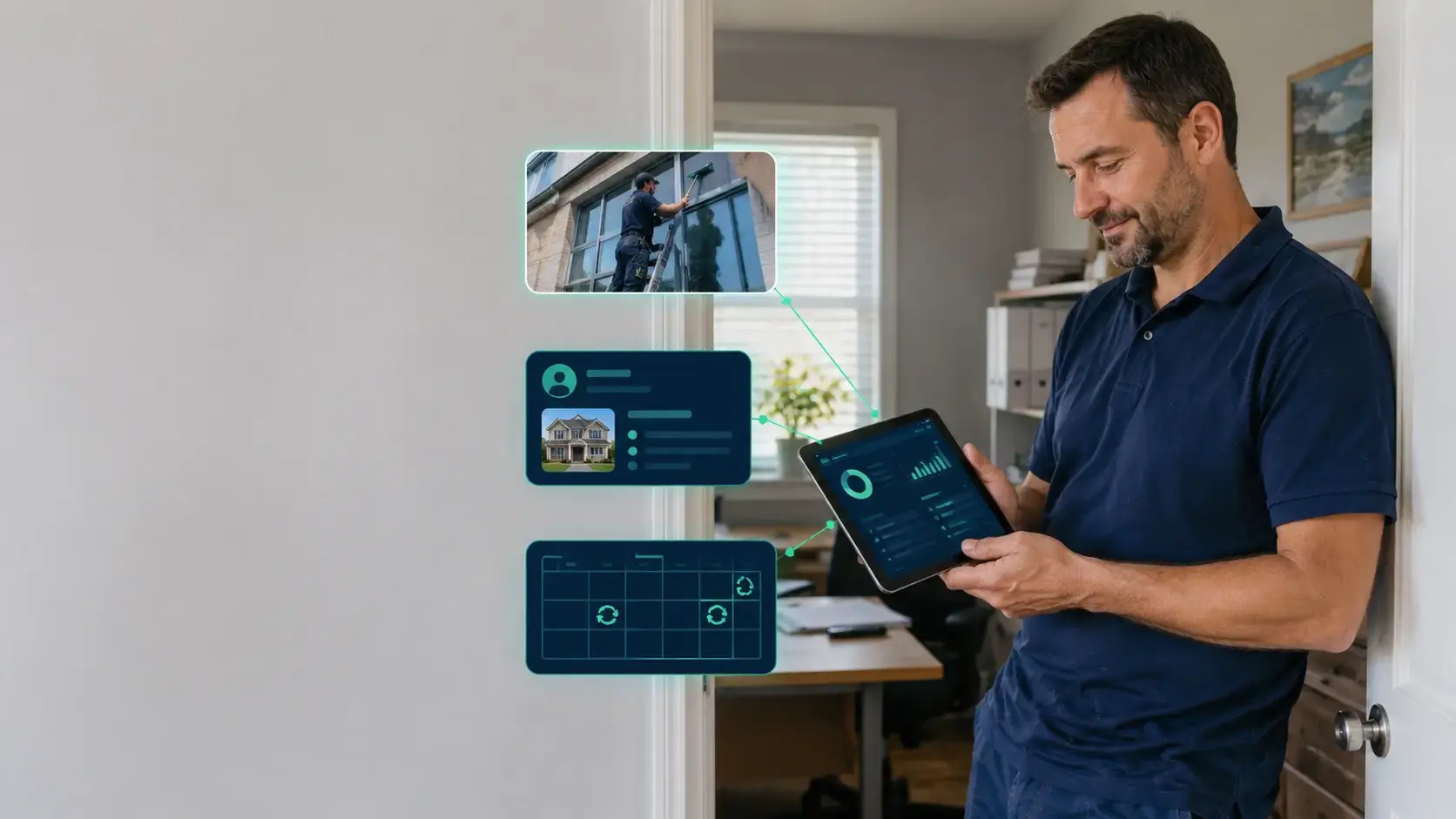
  • A job calendar that's easy to drag, drop, and shift around
  • Customer history with notes like "close the gate" or "use the side ladder"
  • On-site quotes and invoices you can send in seconds
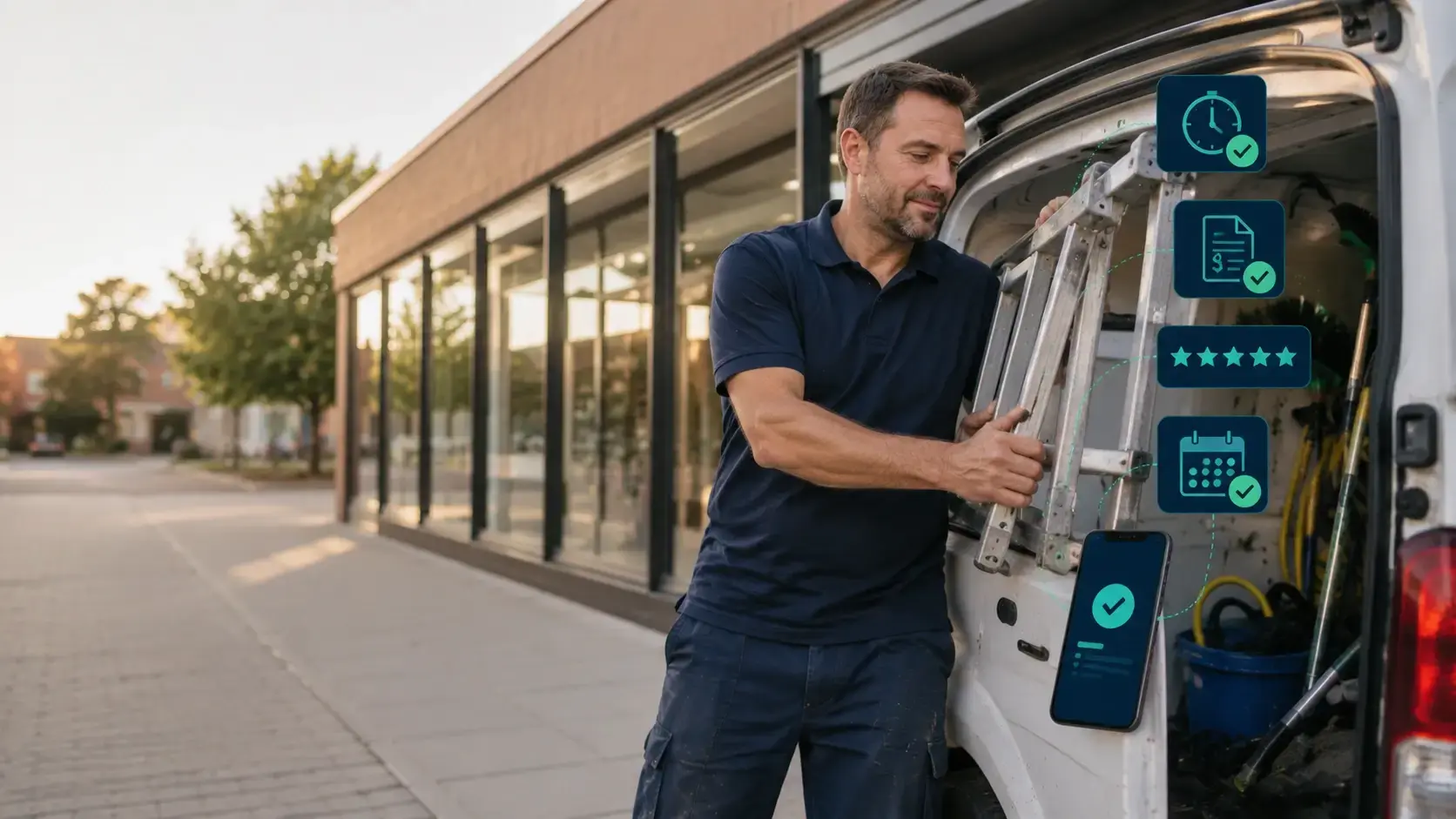
  • Mobile access for every crew member
  • Route planning that cuts drive time (and fuel costs)
  • Photo logs and job checklists that stay with each property
  • Auto-texts that remind customers and ask for reviews

Whether you're a solo cleaner or managing a crew, the right combination of scheduling, routing, and invoicing tools makes the whole day smoother. (If you're still at the "what even is this category" stage, start with our explainer on what window cleaning business software is.)

The simple ROI math

You don't need a finance degree to work out whether software pays for itself:

  1. Say you book 100 jobs a month at $150 each, that's $15,000 in revenue. If better routing and fewer no-shows add 5 jobs, that's $750 extra.
  2. Save 10 admin hours a month at $30/hour, that's another $300.
  3. Against software that costs around $100/month, the gains stack to 10x or more before counting faster payments and better reviews.

The features that matter, ranked

1. Scheduling and dispatch (the one to judge first)

Window cleaning scheduling software lives or dies on one test: how fast can you move a full afternoon when the rain rolls in?

Look for:

  • Drag-and-drop calendar, not form-based rescheduling
  • Bulk moves: shift a whole street's jobs in one action
  • Automatic crew and customer notifications when anything changes
  • Recurring job templates, because the same storefront needs the same clean every two weeks

If a tool makes rescheduling slow, nothing else on this list will save it. Scheduling is the feature you'll touch more than all the others combined.

2. Route optimization

Short jobs mean drive time is your biggest hidden cost. A route optimizer orders your stops to cut windshield time and pack in more jobs per day.

3. One-tap invoicing and payment

Paperwork eats profit when you run 15 to 20 short jobs a day. The feature to look for: an invoice that generates the moment a job is marked complete, with a payment link the customer can tap on the spot.

4. Photo logs on every job

Before-and-after photos, time-stamped and attached to the property record, end "you missed a spot" callbacks before they start.

5. Auto review requests

A text with a review link, sent right after payment, is how small crews build a Google presence without ever asking awkwardly.

6. Mobile-first crew app

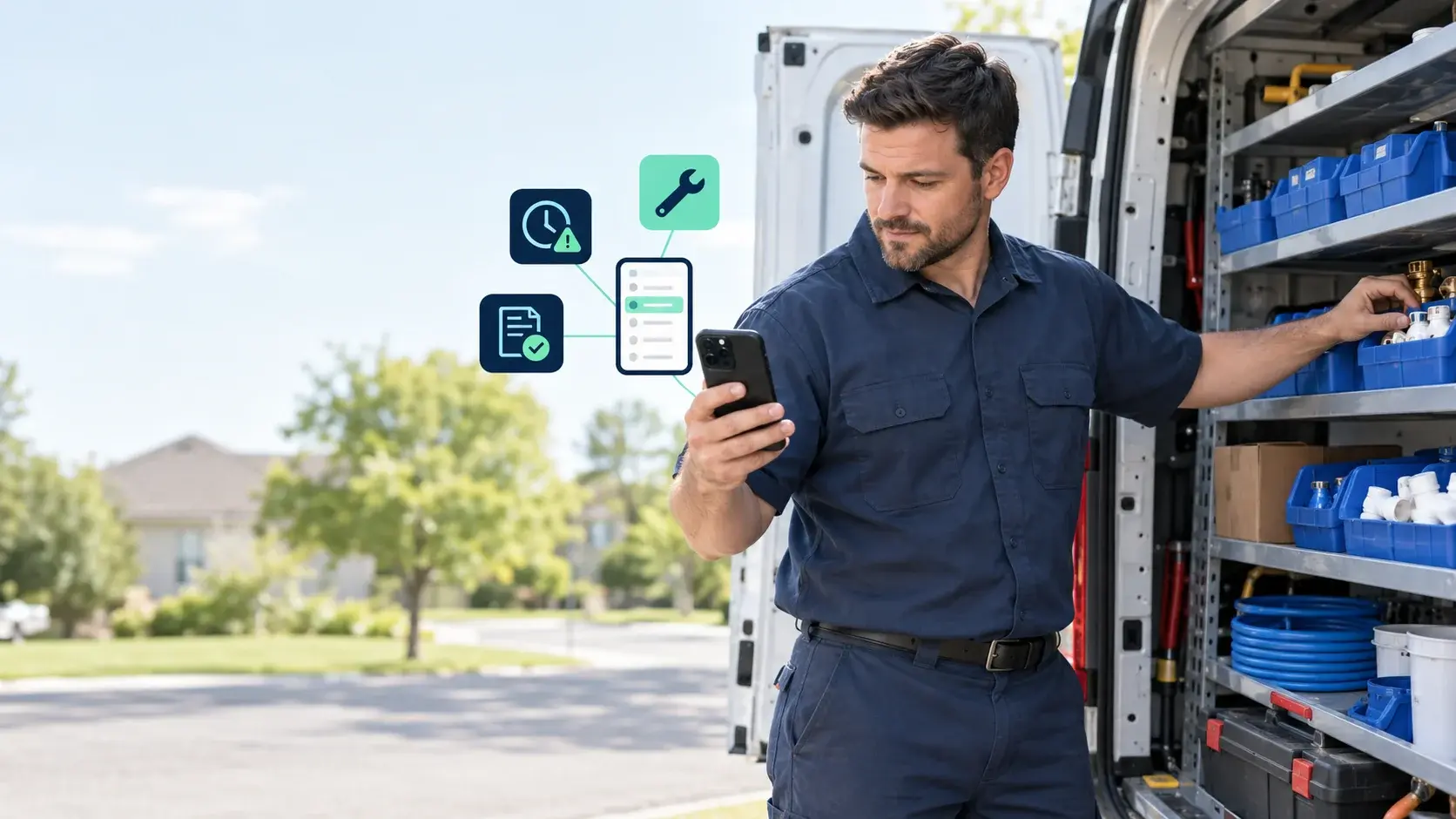
Your techs live in the field, not at a desk. The app should work one-handed, load fast, and ideally sync offline for parking garages and rural routes.

Here's the same list mapped to the problems each feature kills:

Problem What it costs you Must-have feature
Weather shift Scrambled schedule; angry clients Drag-and-drop calendar + bulk text alerts
Short jobs all day Paperwork eats profit 1-tap invoices
Missed spots Free rework Photo notes on every job
No reviews Slower growth Auto review requests
Long drives Fuel cost Route optimizer

One thing this page deliberately doesn't cover: customer records, job history, and crew permissions. Those belong to the CRM side of the toolkit, and we've covered them separately in our guide to window cleaning management software and CRM.

“All my time is spent in the dirt, and it’s tough to stay on top of everything. Thankfully there’s Cleri. It made the hardest parts of owning a business easy, and that’s something I can stand behind.”

Brad, Seasons Irrigation

Which features are free, and which aren't

Free plans and trials usually include basic scheduling, a customer list, and simple invoicing. The features that typically sit behind paid plans are route optimization, automated review requests, recurring job templates, and multi-crew dispatch.

That split matters because the paid features are exactly the ones from the top of the list above. Free tools are fine for testing the waters; the payoff features tend to cost money. For a full run-through of no-cost options, see is there any free software for window cleaning business?

How to know it's working

Track these for the first few weeks:

  • Jobs completed per week
  • Time from invoice to payment
  • No-shows and late arrivals
  • Admin hours saved
  • Repeat bookings

Even a 10% improvement in one or two of these covers the subscription within months. Existing customers are 60 to 70% more likely to buy again versus 5 to 20% for new leads (Field Circle), so the retention gains compound.

The Forrester "$2.1M saved in travel time" stat is enterprise-scale data that reads as implausible next to a $100/month product for small crews, so leave it behind.

Proof these features pay off

Want to know what this looks like on a real day?

It's a Tuesday, you've got 12 jobs on the board, and the weather looks iffy. Instead of calling everyone, you open the app, slide the afternoon jobs to Friday, and the whole team gets the update. No paper, no mess, no delays.

The numbers from real service businesses back it up:

  • 52% less time on admin (Orcatec, 2024)
  • 28% less fuel use with optimized routing (Workiz, 2024)
  • 3 more jobs per day per crew using field software (Service Fusion, 2023)
  • 34 new Google reviews in 90 days from auto-requests (Housecall Pro, 2023)
  • 30% less admin time for multi-crew teams (Men In Kilts via Vonigo, 2023)

For the full return-on-investment picture in hours and dollars, see the benefits of window cleaning software.

Tools that have these features

Free to try:

  • Jobber (14-day trial): clean interface, mobile-ready
  • Housecall Pro (trial): strong on reviews, invoices, and routing
  • Cleri (14-day trial): full-featured for window pros, with weather moves, photo logs, and crew tools

Paid to grow:

  • ResponsiBid: powerful follow-ups and quoting
  • ServiceM8: route planning and dispatch, Apple-focused
  • NiceJob: built for reputation building

For a side-by-side breakdown of the top platforms, see our comparison of the top window cleaning software tools.

How to test these features in 5 days

Try this mini test run:

  • Sign up for one or two of the trials above
  • Load 5 real jobs with notes and times
  • Assign one tech to run the day on mobile only
  • Send quotes and invoices straight from the field
  • Turn on auto-review texts

Here's what a sample test day looks like:

  • Morning: Crew logs into the app, checks today's route and job notes.
  • On-site: They snap before/after photos and send the quote right from their phone.
  • Afternoon: One client pays on the spot, another confirms the next job by text.
  • Evening: You review the day's jobs, payments, and photo logs from your dashboard.

By Friday, you'll know if it's working. Simple, fast, and cleaner than paper tracking ever was.

What crews notice after week one

Some features you only appreciate once you use them. Here's what most window cleaners say after just a week with real software:

  • "We don't waste mornings texting job info anymore."
  • "Clients started paying faster when we sent mobile invoices."
  • "Photos help settle questions before they become problems."
  • "I don't have to remind techs, they check the app."

Small changes stack up fast. The right app doesn't just make your workday easier, it makes your whole team sharper.

FAQs

Q 1. What's the hardest part for me as the owner?
Usually just setting aside an hour to load in jobs and test it with your crew. After that, you stop chasing the stuff that slows you down.

Q 2. What if my guys don't like tech?
Pick software that's mobile-first. Easy taps, clear buttons. If your crew can text, they can use a window cleaning app.

Q 3. What's the single most important feature?
Scheduling. It's the one you'll use every day, and it's where bad software hurts most. Test the rain-day reschedule before anything else.

Q 4. How much does it cost?
Most tools run $30 to $99+ per month. Cleri is a flat $100/month including one user, plus $20 per additional active user, with every feature included and no tiers. One saved job typically pays for the month.

Q 5. Is there a fully free option?
Some tools have free tiers with basic scheduling and invoicing. The features that drive the results above usually need a paid plan. Full rundown here: free software for window cleaning businesses.

Final word: make Monday smoother

If your crew's already juggling too much, trying new software might sound like a headache. But sticking with the old way? That's what's really slowing you down.

The right features don't make your job harder. They make the mess smaller.

Cleri's built for real crews. Zero tech skills required.

No card, no hassle. Just get more done.

Give it a shot for 14 days. No card, no hassle. Just get more done.

 About the author

By Moqudas Azam, Head of Content at Cleri 6+ years working with field service teams. Reviewed by Brandon Parham, industry expert. Published June 29, 2025 · Last updated July 28, 2026.